Configuring Calendar tile-specific settings
To configure settings specific to Calendar tiles:
-
Click the gear icon > Calendar Tile Settings.
-
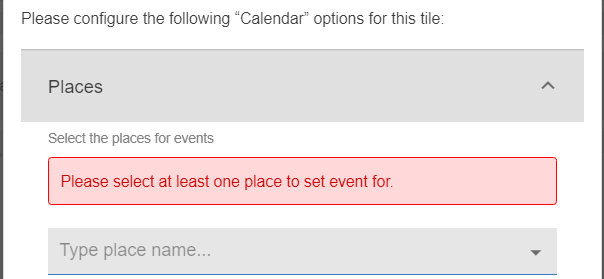
Enter the Place(s) to set the events.
-
Select the Event attributes to be displayed for an event:
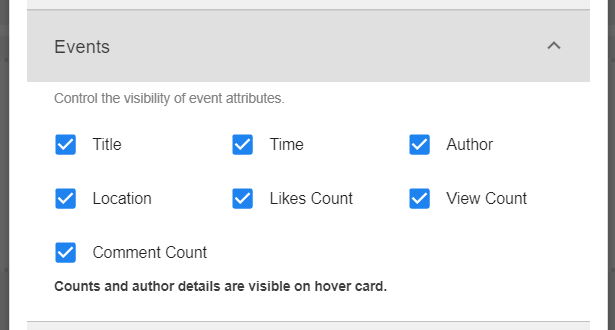
An event can be distinguished by the following attributes: Title, Time, Author, Location, Likes Count, View Count, and Comment Count.
-
Describe the Layout to be displayed when the configuration of the tile is rendered:

- Agenda: Select the maximum number of events to be displayed from the dropdown values - 1, 3, 5, 10, 25
- 1 Day (Today), with event start/end times
- 3 Days (Today + 2 days), with event start/end times
- Week (Monday to Friday), with event start/end times
- Month To set the display hours, select the Day start time and Day end time using the time picker.
-
Select Continue to save the settings.
-
Click Save Tile Settings.
Calendar tile is configured successfully.
After the tile is rendered, you can use the options on the upper right to browse events: Create Event, display events for Today, browse events for days previously or in future < >.

Related